
Agents School / Course
Design Engineering
Judge and direct motion, color, type, layout and components like a design engineer.

Season 1
How good interfaces think
Explain why some interfaces feel right and others feel generated.
 1. Taste is trained7 minSee why the details nobody notices decide whether people trust a product, and how to build the taste to spot them. Read Watch
 2. Delight has a budget7 minDecide how much delight a moment can carry from how often people see it, tell marketing UI from product UI, and test whether a screen feels right. Read Watch
 3. States are the work7 minDesign every state a screen can be in, not just the happy one, and treat tables and charts with the same care as a landing page. Read Watch
 4. Say it precisely6 minGive feedback an agent can act on first time, by pointing at the exact element and naming exactly what is wrong with it. Read Watch
 5. The bundle is design6 minTreat every dependency as a cost the user pays, and know when to use the platform, a few lines of your own, or a library. Read Watch

Season 2
Motion
Decide whether something should move, then pick the timing, easing and spring.
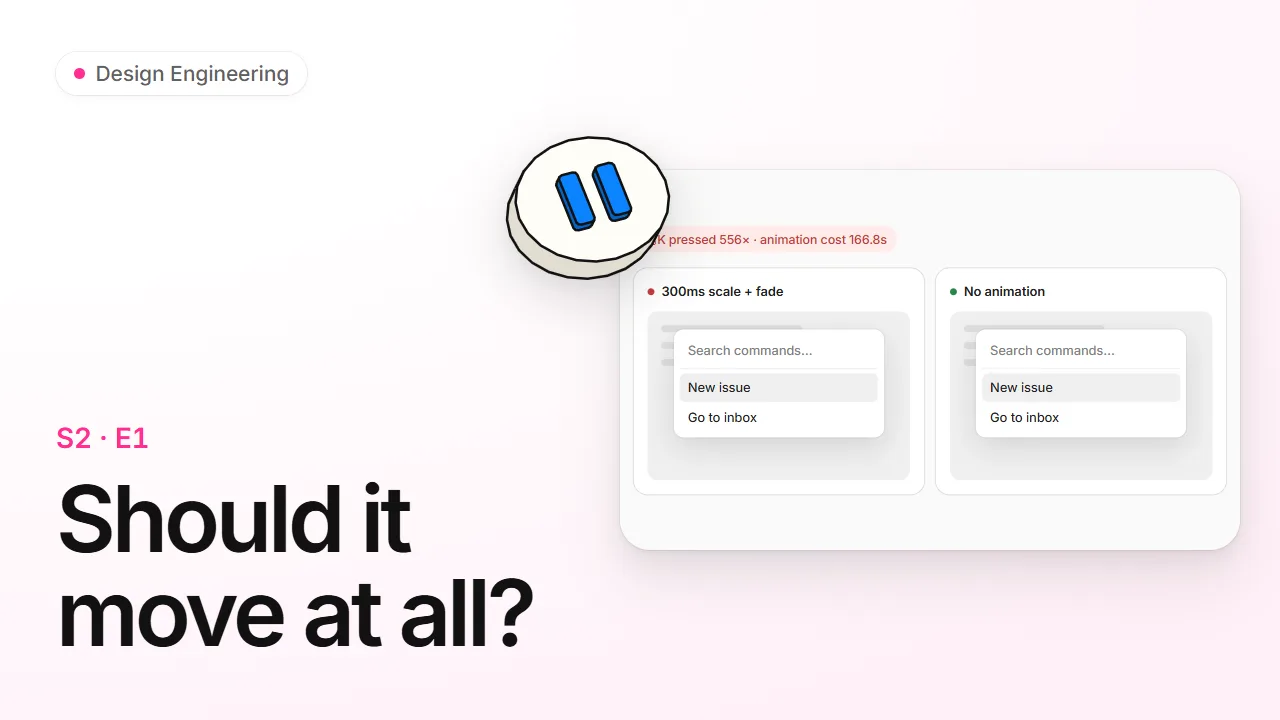 1. Should it move at all?7 minDecide whether something deserves an animation before you build one, and take motion out safely when it doesn't. Read Watch
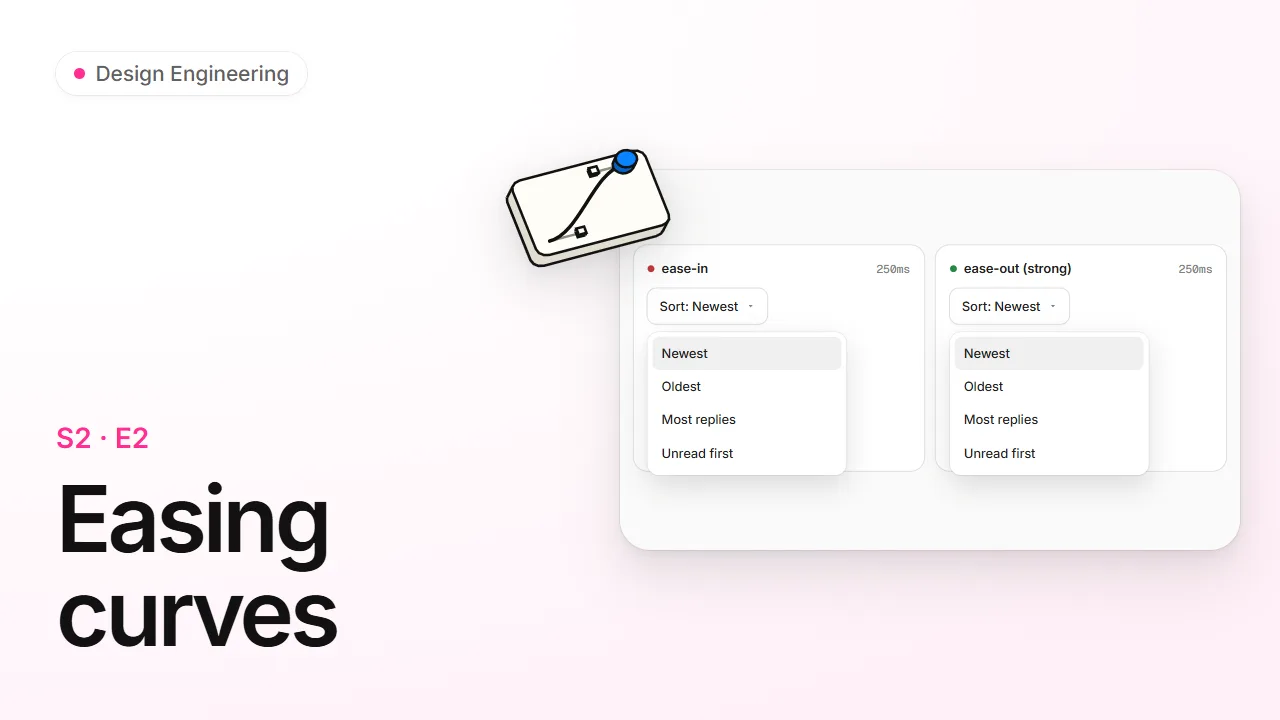 2. Easing curves7 minPick the right easing curve for anything that moves, and know why ease-out makes the same animation feel faster. Read Watch
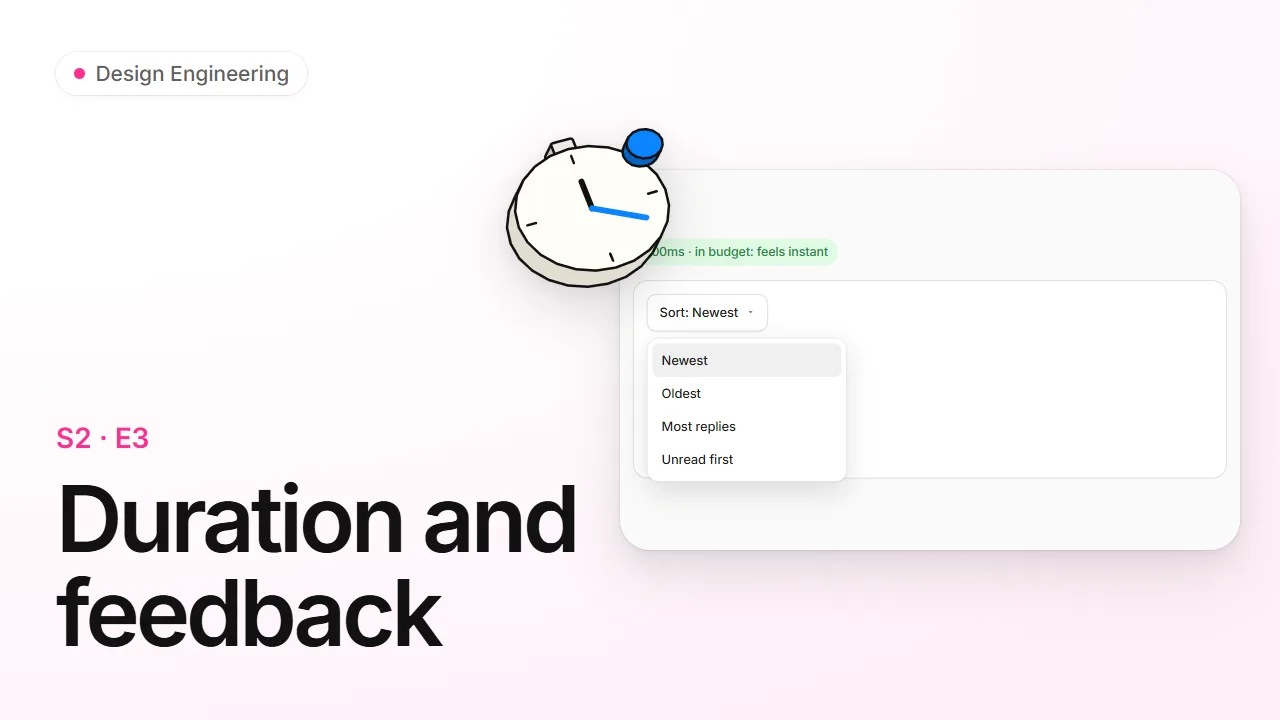 3. Duration and feedback7 minChoose how long an animation should last for each kind of element, and add the small press and tooltip responses that make UI feel answered. Read Watch
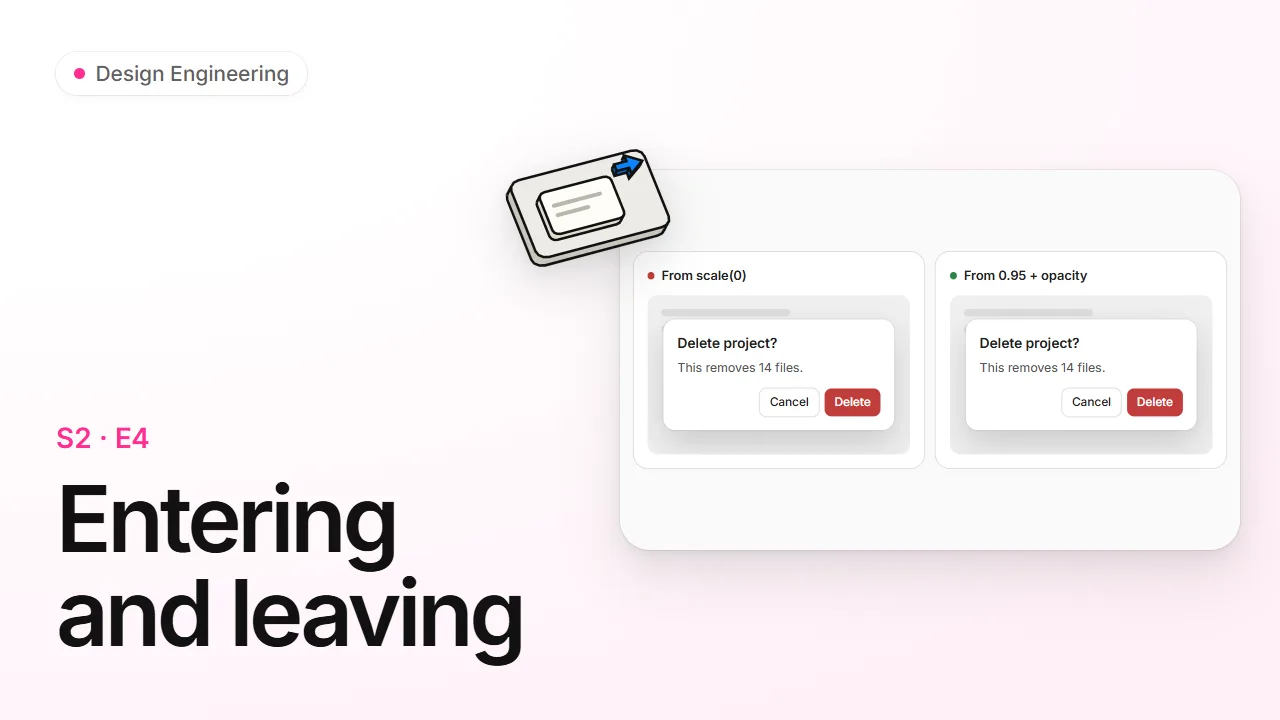 4. Entering and leaving9 minMake things appear and disappear well, from the right size, out of the right place, with a quieter exit than entrance. Read Watch
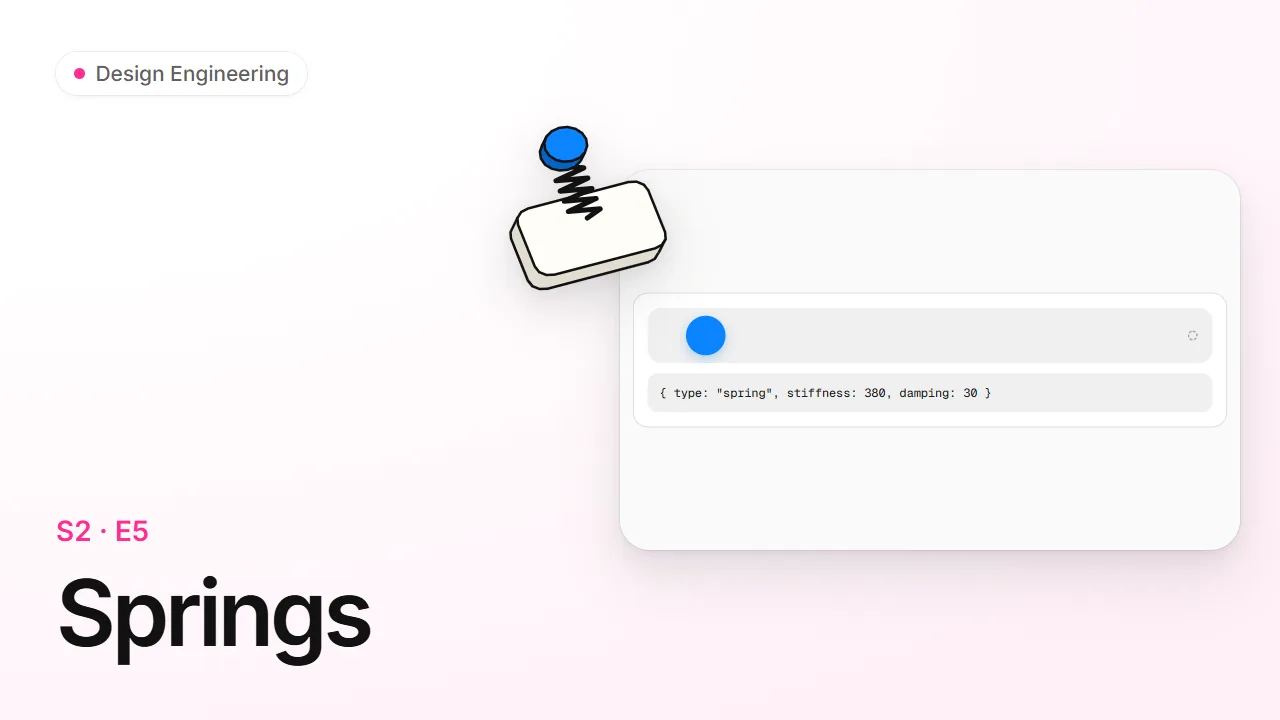 5. Springs8 minKnow when a spring beats a curve, tune stiffness and damping by feel, and keep hand-written motion landing in the same place at any frame rate. Read Watch
 6. Choreography9 minMake several things move together with intent, using stagger, travelling elements, clip-path reveals and grouped hover. Read Watch
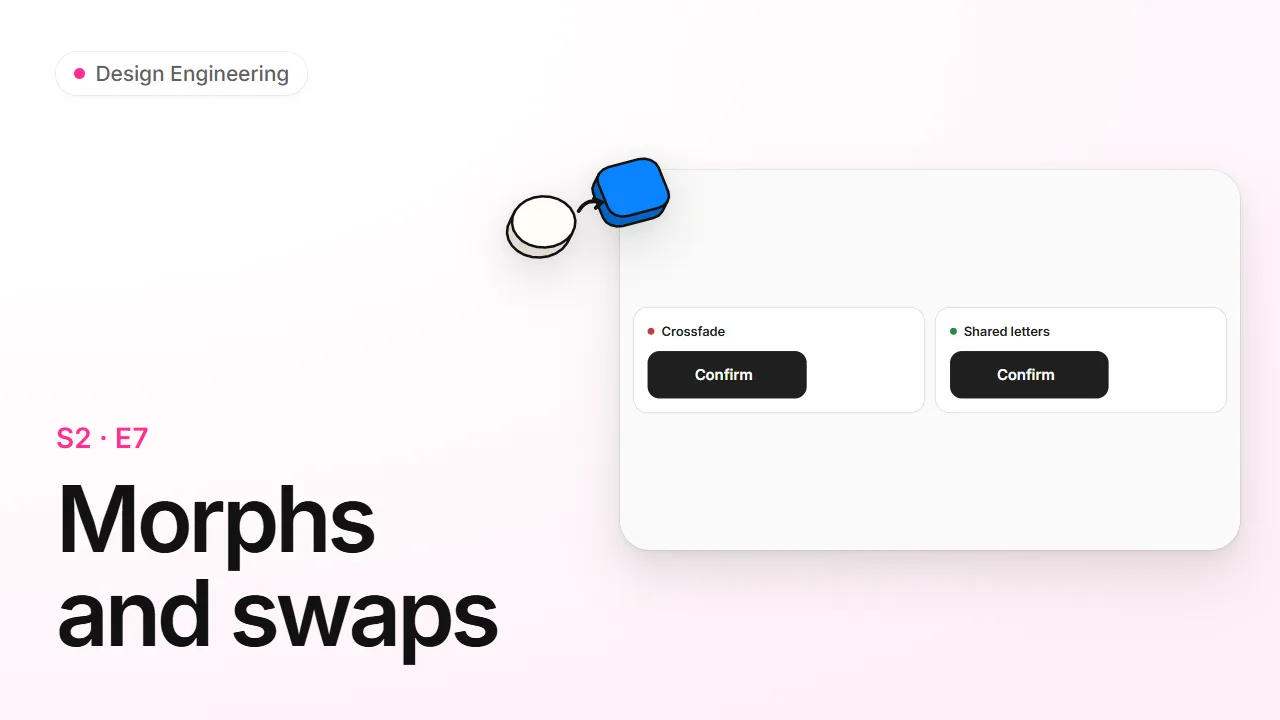 7. Morphs and swaps7 minChange a label, an icon or an image in place so it reads as the same thing changing, not two things trading places. Read Watch
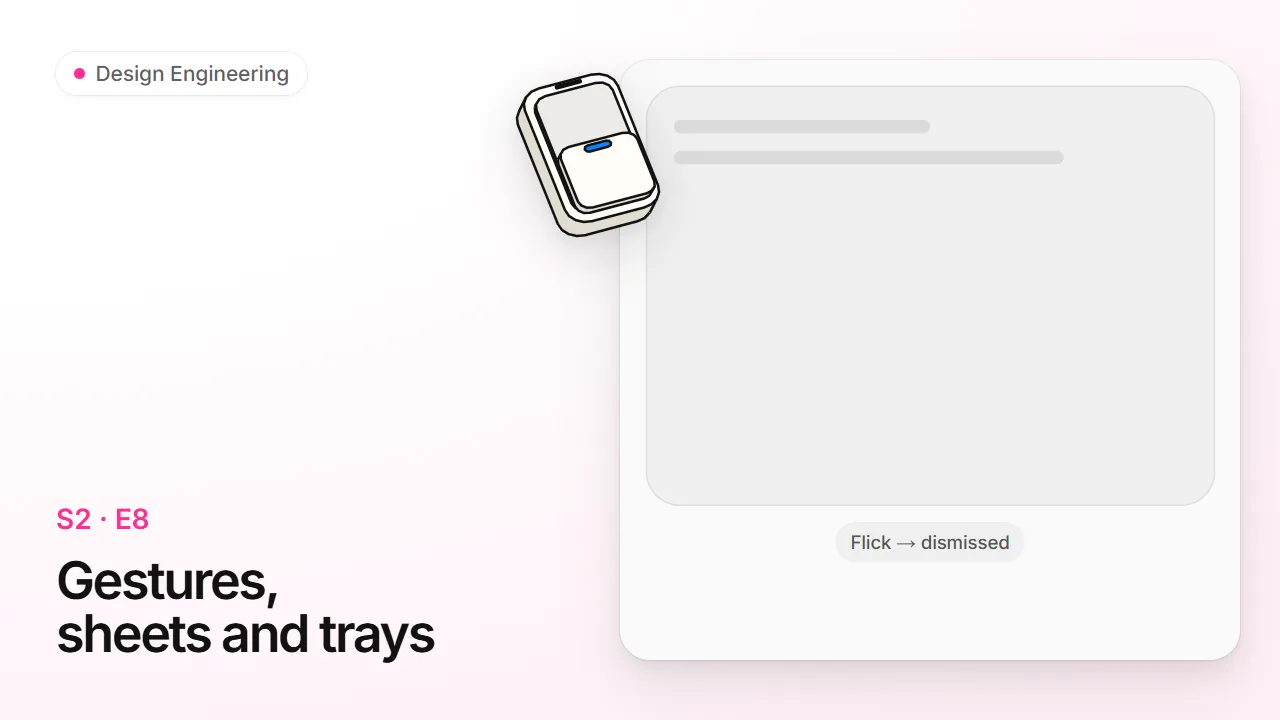 8. Gestures, sheets and trays10 minMake drags, flicks and bottom sheets feel native, from velocity on release to presses that land on moving things. Read Watch
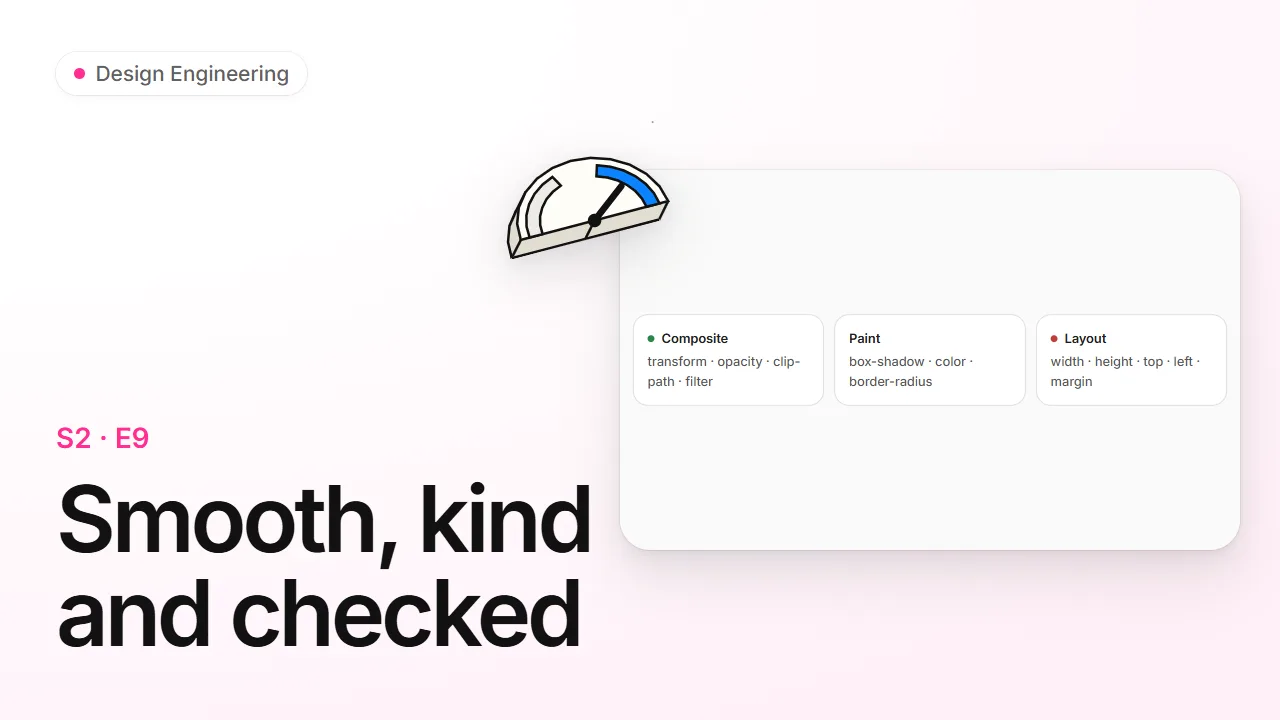 9. Smooth, kind and checked10 minKeep animation smooth on slow phones, respect people who ask for less motion, and debug or review motion before it ships. Read Watch
Season 3
Color, depth and surfaces
Build a color system in OKLCH, with shadows, borders and dark mode that hold up.
 1. Color you can do math with8 minRead and write colors in OKLCH, build an even color ramp from one hue, and get an agent to migrate a hex palette without breaking it. Read Watch
 2. One neutral, one accent8 minBuild a palette from a gray ramp and one accent, give every step a job, and name your colors so a dark theme is a five-minute change. Read Watch
 3. Contrast you can read8 minCheck text against 4.5:1 and APCA, repair a failing pair by moving lightness only, make hover states raise contrast, and pick the space a gradient mixes in. Read Watch
 4. Shadows, borders and corners8 minLift surfaces with shadows that whisper, separate them with borders, nest rounded corners correctly, and trust your eye over the ruler. Read Watch
 5. Designing a dark theme7 minBuild a dark theme from the same color scale as the light one, with near-black surfaces, softened text, lighter layers for depth and calmer accents. Read Watch
 6. Glass and layers7 minUse translucent surfaces where they help orientation, keep text on them legible, and stack layers with a plan instead of z-index 9999. Read Watch

Season 4
Typography
Set type that reads well: scale, rhythm, line length and the small OpenType details.
 1. A type scale and its rhythm8 minSet every text size from a short scale named by role, give each step the right line-height and tracking, and load fonts so nothing fakes or jumps. Read Watch
 2. Line length and tracking7 minKeep paragraphs between 45 and 75 characters a line, tighten big type and open tiny labels, and choose how headings and blurbs wrap. Read Watch
 3. When text runs out of room7 minDecide per field whether text wraps, truncates at the end or the middle, or stays whole; stop long words breaking boxes; and hold the size and contrast floors. Read Watch
 4. Numbers, features and faces7 minLine numbers up with tabular figures, reach the extras inside a font file, and choose a typeface that doesn't read as the default. Read Watch
Season 5
Layout and pages
Lay out pages that group by space, survive long content and work on every screen.
 1. Grouping by space7 minShow what belongs together with space before lines or boxes, keep controls looking like controls, and line everything up on a few shared edges. Read Watch
 2. The page frame, on every screen8 minGet the frame readers judge first right (equal margins, no holes, a first screen that says what this is) and design each screen size on purpose. Read Watch
 3. Layouts that survive real content8 minStress-test a layout with long words, translations and big text, fix the classic overflow traps, and write CSS that mirrors itself for right-to-left languages. Read Watch
 4. The phone's platform layer7 minMake a web app feel installed on a phone with the right viewport tag, dvh and svh, safe areas, keyboard handling and overscroll, and know why each one exists. Read Watch
 5. The URL, structure and scroll position8 minKeep what the user sees in the URL so links and the back button work, arrange screens the way people think, and stop lists jumping when content loads. Read Watch
 6. Sticky headers and launch-ready pages8 minPick a header behaviour that isn't the generated default, never hijack the scroll, and ship public pages that load fast and preview well when shared. Read Watch
Season 6
Components and states
Build components with every state, keyboard path and accessible name accounted for.
 1. Every list has four states7 minDesign the loading, empty, error and full branches of any list or page, and get an agent to build all four. Read Watch
 2. A button has eight states8 minGive every control its hover, pressed, focus, loading, done, error and disabled states, keep them from shifting the layout, and run the polish pass that makes a component feel finished. Read Watch
 3. Forms that don't nag8 minValidate fields at the right moment, write errors that fix themselves, and wire the dozen small behaviors every form owes its user. Read Watch
 4. Instant actions, undo and toasts9 minMake likely-success actions feel instant, choose between undo and a confirmation for destructive ones, and use toasts (and Sonner) without the usual bugs. Read Watch
 5. Keyboard, focus and touch9 minMake every control reachable by keyboard and thumb, show focus without showing it to mouse users, and give custom widgets the key maps people expect. Read Watch
 6. What screen readers hear, and the WCAG numbers8 minAnnounce changes with the quietest mechanism that works, hide things the right way, and cite the WCAG 2.2 thresholds that turn an opinion into a finding. Read Watch
 7. Words in the interface8 minWrite labels, errors and status copy that guide, build strings that survive translation, and name components by what they do. Read Watch
 8. Cards, icons, avatars and APIs9 minGet the everyday parts right (cards, icons, avatars, presence and drawing tools) and design component props an agent can't misuse. Read Watch

Season 7
Spotting AI-default UI
Find and delete the tells that make UI, code and copy look generated.
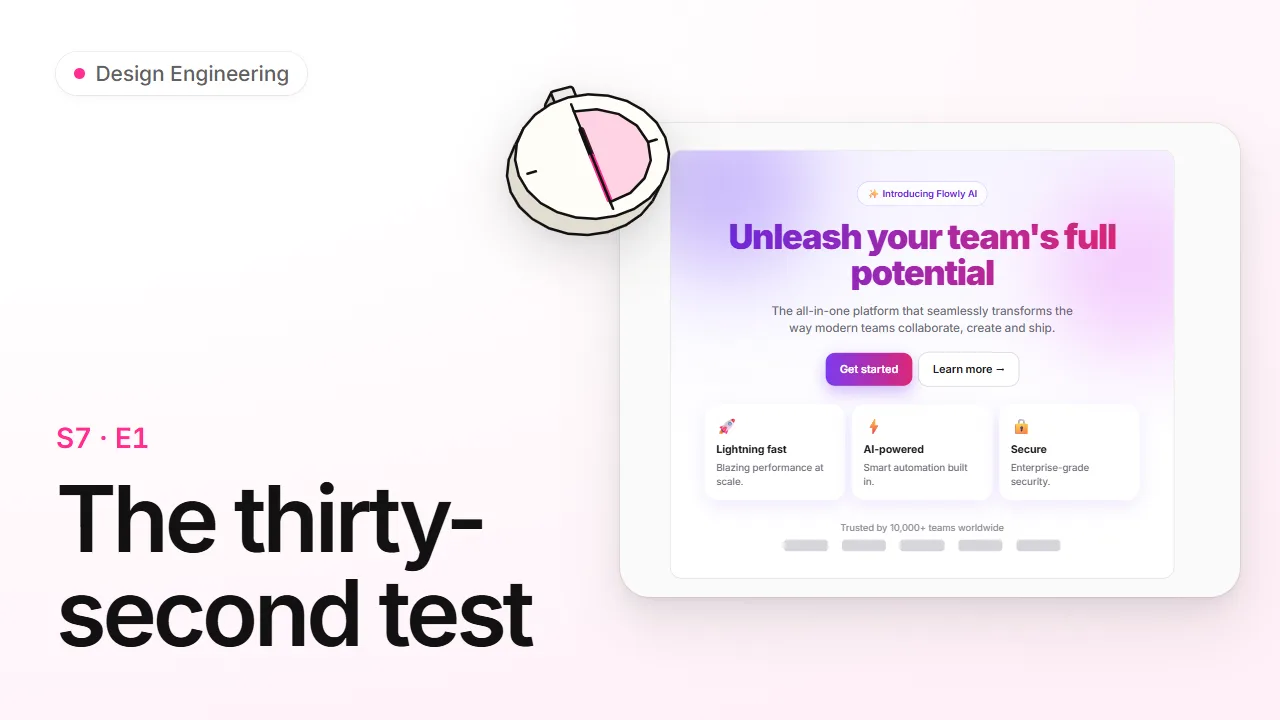 1. The thirty-second test8 minRecognize the visual, layout and dashboard defaults that make a screen look generated, and know which ones to delete on sight. Read Watch
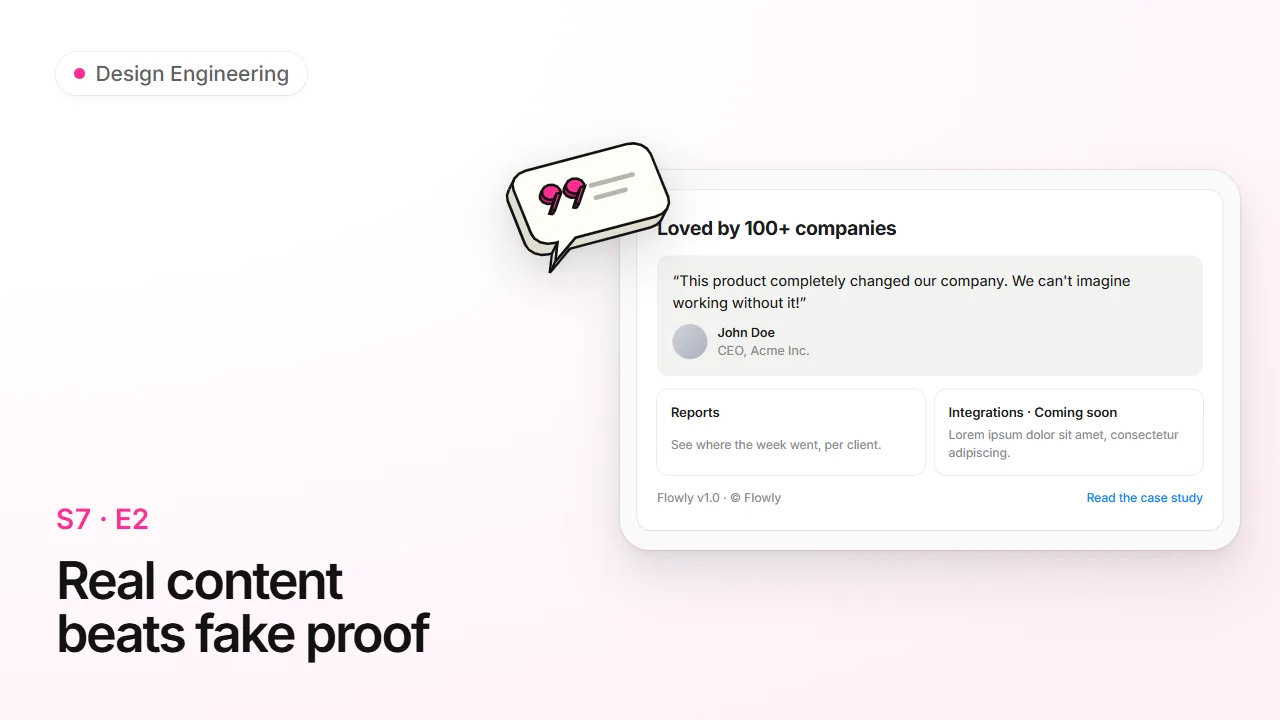 2. Real content beats fake proof6 minReplace placeholder text, rounded numbers, stock faces and generic testimonials with specific, verifiable content, or leave an honest gap. Read Watch
 3. Copy that sounds generated7 minStrip the statistical habits of generated prose (model vocabulary, not-just-X, the rule of three, em dashes, puffery, chatbot residue) and put a real voice back. Read Watch
 4. Code tells and leftovers8 minClean the over-defended, over-commented residue agents leave in UI code, and catch the dev tools, routes, logs and secrets that must never ship. Read Watch
 5. The unslop pass9 minRun the full procedure on a generated screen (squint, subtract, sweep, put a point of view back) and critique the render, not the code, in at most three rounds. Read Watch

Season 8
The /design-engineering toolkit
Run the right verb (review, polish, motion, ship and the rest) at the right moment.
 1. One command, many verbs8 minLearn how /design-engineering reads its first word, what happens with no word at all, which aliases mean the same verb, and the short verbs that route a job and stop. Read Watch
 2. Verbs that judge8 minUse review for a verdict and a Before | After | Why table, tells for a deletion list of AI defaults, and a11y for an evidence-only accessibility audit, and know what each returns. Read Watch
 3. Verbs that fix9 minRun polish when a screen works but feels unfinished, motion when something moves wrong (or shouldn't move), mobile when it feels like a website on a phone, and tokens to thread your design contract through the code. Read Watch
 4. break and ship8 minRun break to feed one component the realistic worst case and stop with a report, and ship to sweep the whole app before launch, fix in order, and say what still needs a phone or a person. Read Watch
 5. Verbs that make things9 minUse sound to decide which moments earn a sound and build one family, svg to create or animate vectors, film to plan or measure a launch video, and stage to build faux product UI for a landing page. Read Watch
Certified Design Engineer
The final: 30 questions across every season · pass 80% · alone or with your agent
More from Agents School


 Product WritingComing soon Coming soon
 Accessibility in DepthComing soon Coming soon
 Data and ChartsComing soon Coming soon
 Security for AgentsComing soon Coming soon
 Shipping with AgentsComing soon Coming soon