
Agents School / Course
Agent Foundations
Set up an agent, give it skills, brief it well and check what it builds.
2 modules · 17 episodes · 2 h0/17


Season 1
Start from zero
Set up an AI agent, give it the design-engineering skill and get your first screen reviewed.
 1. Welcome5 minThe difference between a screen that works and one that feels right, and how you will learn to see it and get an agent to build it, starting from zero. Read Watch
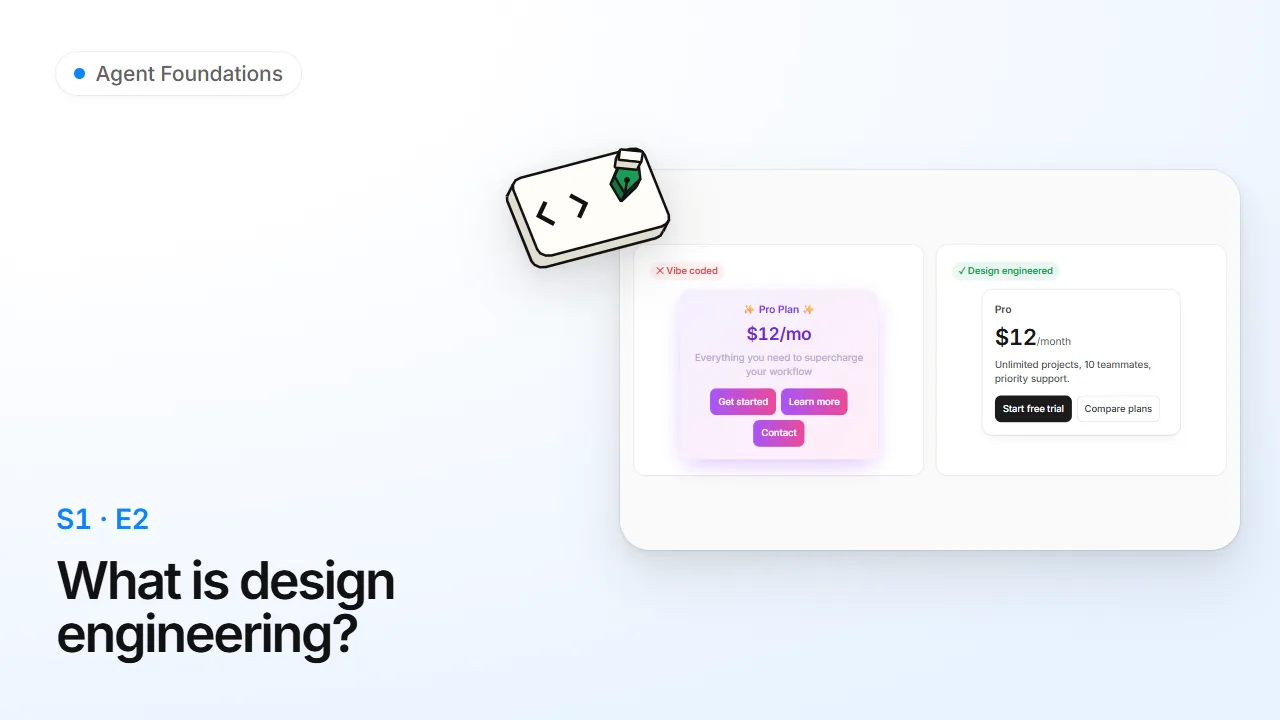 2. What is design engineering?6 minTell vibe coding from design engineering, and know which on-ramp is yours whether you come from design, from code or from neither. Read Watch
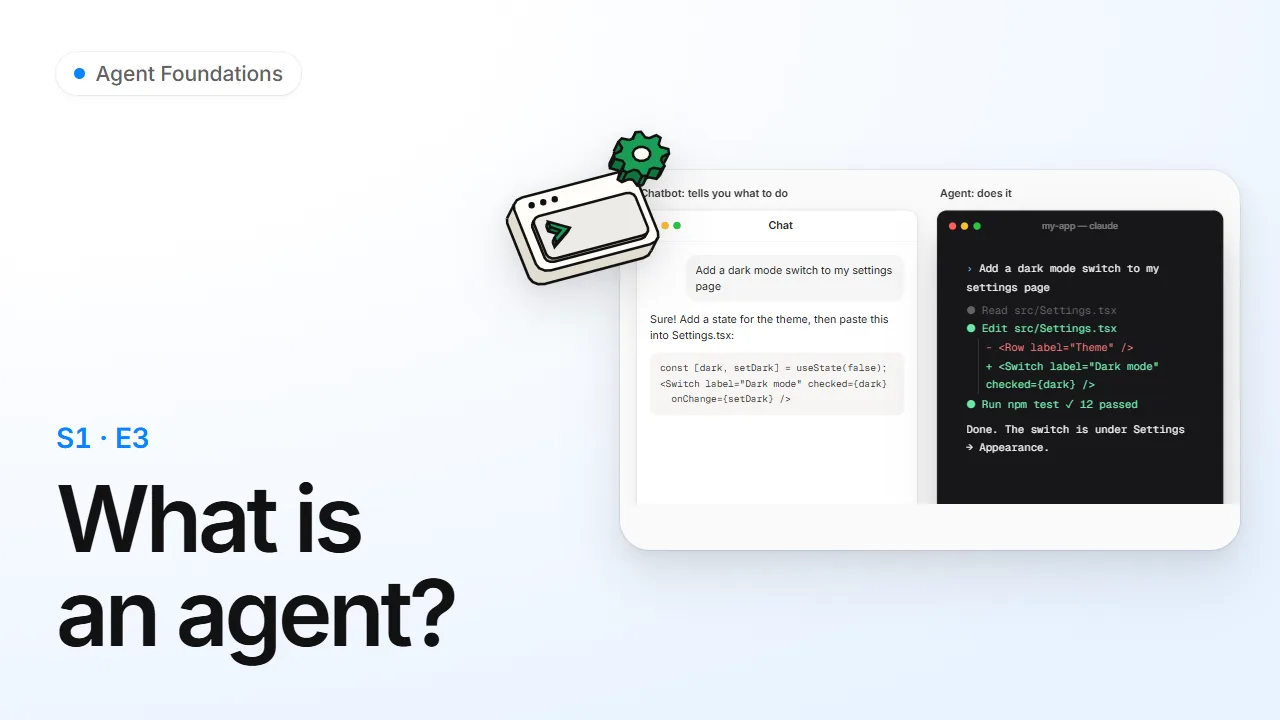 3. What is an agent?7 minKnow the difference between a chatbot and an agent, what a harness and an interface are, and why so many agents live in a terminal. Read Watch
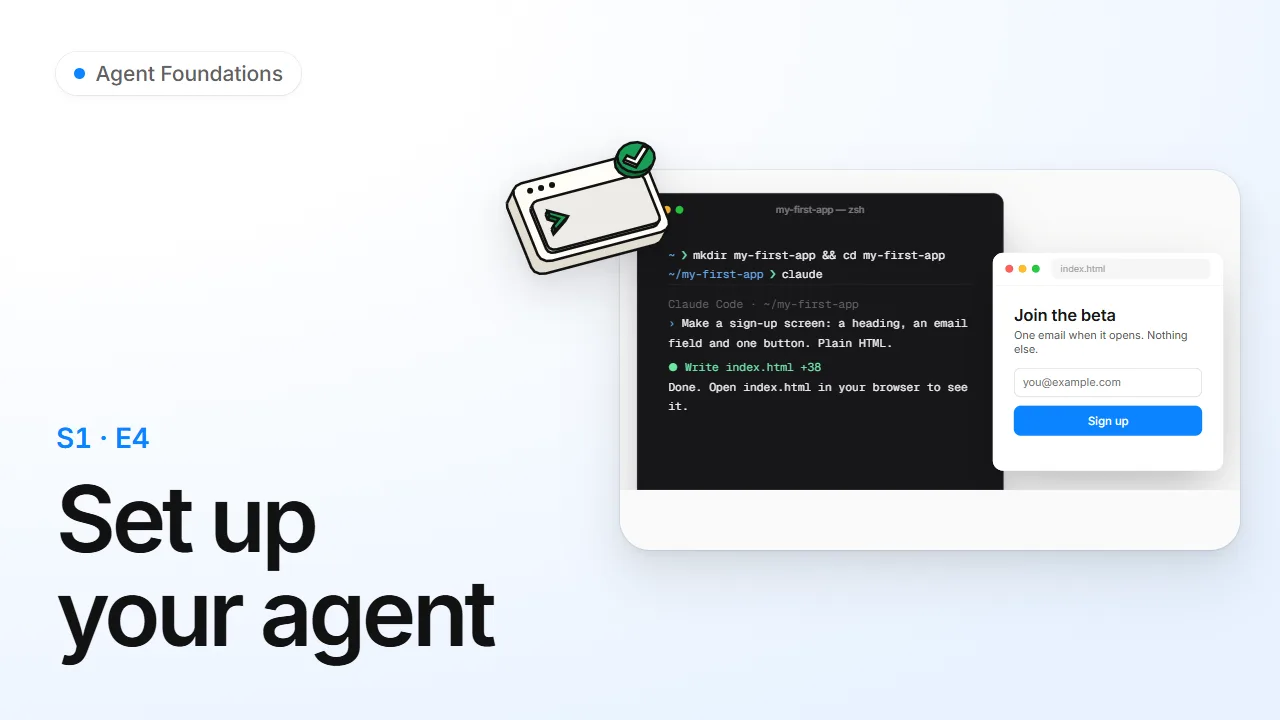 4. Set up your agent8 minGo from nothing installed to an agent building your first screen, on a Mac or on Windows, in about fifteen minutes. Read Watch
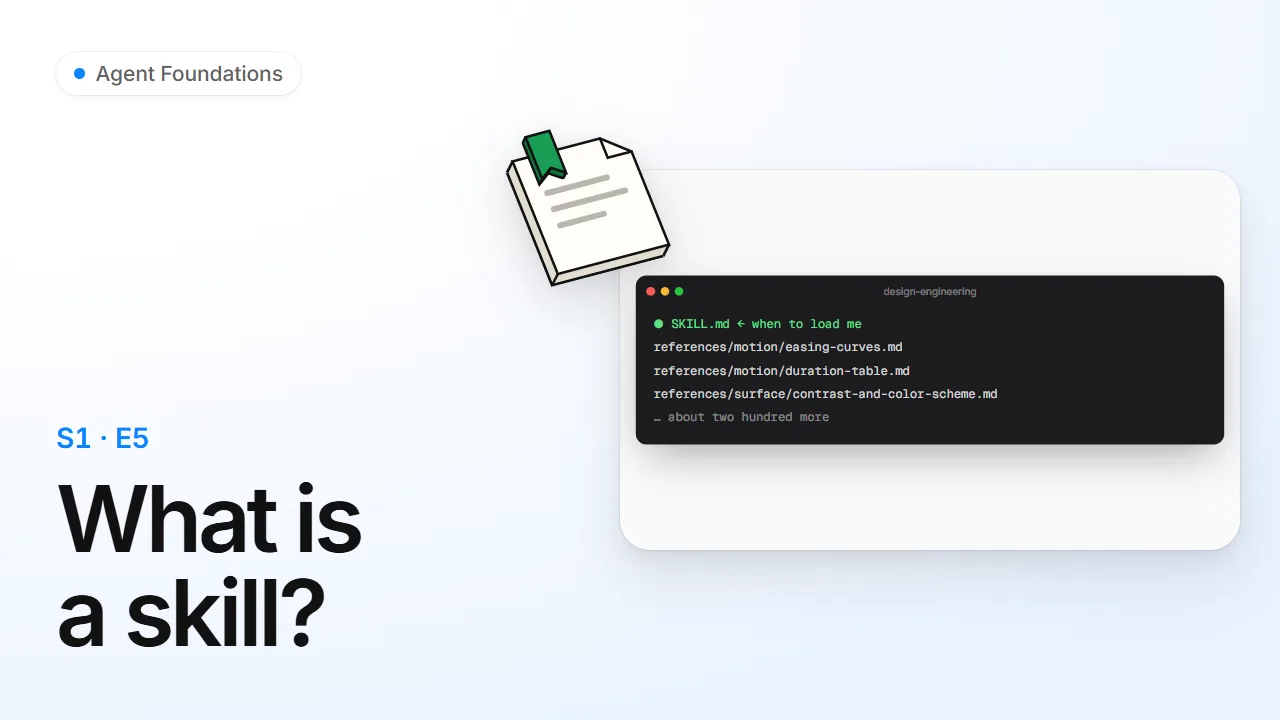 5. What is a skill?6 minUnderstand what a skill is, how an agent decides to load one, and how design-engineering routes every request through one entry point to the right note. Read Watch
 6. Install design-engineering5 minInstall the skill one way (skills.sh or the Claude Code plugin), check that it loaded, and use its menu. Read Watch
 7. Connect your agent6 minConnect this course's MCP server to your agent so it can study lessons and sit exams, alone or with you as a pair. Read Watch
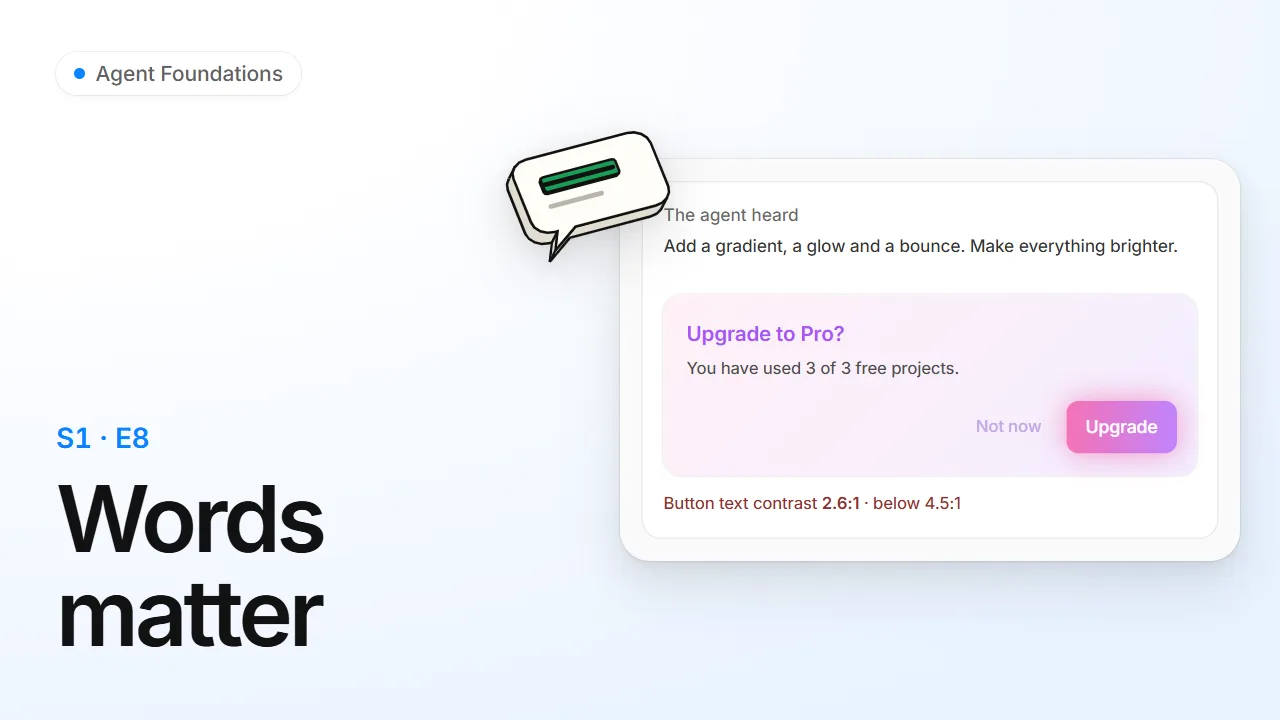 8. Words matter6 minLearn why the exact word you use changes what an agent builds, and how to turn "make it pop" into a request it can get right. Read Watch
 9. Your first review8 minAsk an agent for a pricing card, review it with the skill, read the Before / After / Why table and apply the fixes. Read Watch

Season 2
Directing your agent
Brief, review and check an agent's UI work with prototypes, design files and tools.
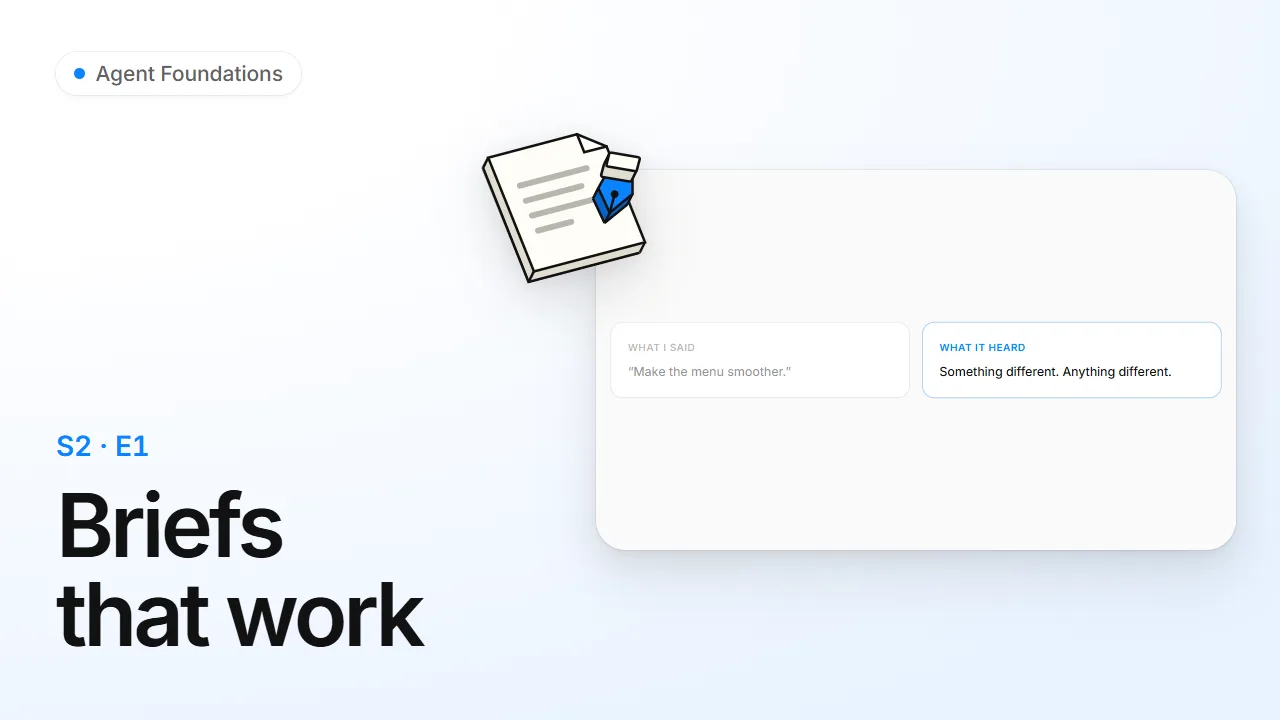 1. Briefs that work7 minTurn a feeling ("make it smoother") into a brief an agent can act on, decide where your judgment is worth spending, and hand over evidence instead of adjectives. Read Watch
 2. The review table8 minRead and write a UI review as Before | After | Why rows, scan code against the checklist, and scope a review to what a change actually broke. Read Watch
 3. Options, tools and generators8 minWhen nobody has decided yet, get three real directions behind a picker; when prompting keeps missing, build the tool that makes the thing; when all you have is a vibe, build a generator. Read Watch
 4. Point, don't describe7 minUse Agentation to click an element in your running app, write a two-line critique, and hand your agent the exact selector and file, by paste or straight over MCP. Read Watch
 5. Design contracts8 minGive your agent a .design file or a DESIGN.md so it uses your tokens instead of guessing, know which source wins a disagreement, and write design-system docs an agent can actually follow. Read Watch
 6. Break it, then ship it9 minFeed a component the realistic worst case before users do, land the production baseline, and sweep the whole app before launch with a severity tree that tells blockers from polish. Read Watch
 7. Routing the job8 minKnow how the skill decides who owns a request (posture, phase, material, companion skills) and run multi-step jobs in an order that doesn't waste passes. Read Watch
 8. Make the skill yours9 minFork the skill's taste in pov.md, log every lived failure in gotchas.md, write lines that actually change an agent's behaviour, and test that they work across models. Read Watch
Certified in Agent Foundations
The final: 30 questions across every season · pass 80% · alone or with your agent
More from Agents School


 Product WritingComing soon Coming soon
 Accessibility in DepthComing soon Coming soon
 Data and ChartsComing soon Coming soon
 Security for AgentsComing soon Coming soon
 Shipping with AgentsComing soon Coming soon